Binance is one of the largest and most popular cryptocurrency exchanges in the world. If you are new to crypto and wondering how to use Binance, this guide will walk you through the essential steps—from creating an account to making your first trade and withdrawing funds.
Step 1: Create and Verify Your Binance Account
To start using Binance, visit the official website or download the Binance app. Click "Register" and enter your email address or phone number. Create a strong password. After registration, you will receive a verification code. Complete the email or SMS verification. For full access to deposits, trading, and higher withdrawal limits, you must complete Identity Verification (KYC). Go to "Account" > "Identification" and upload your government-issued ID and a selfie. Verification usually takes a few minutes to a few hours.
Step 2: Secure Your Account
Security is critical on any exchange. Enable Two-Factor Authentication (2FA) using Google Authenticator or a similar app. Go to "Security" settings, scan the QR code, and enter the code from your authenticator app. Also, consider setting up an anti-phishing code and whitelisting withdrawal addresses.
Step 3: Deposit Funds
Binance offers two main ways to deposit: cryptocurrency or fiat currency (e.g., USD, EUR, GBP). To deposit crypto, go to "Wallet" > "Deposit", select the coin you want to deposit (e.g., USDT, BTC, ETH), and copy the deposit address or scan the QR code. Send your crypto from an external wallet to this address. For fiat deposits, go to "Buy Crypto" > "Deposit Fiat", choose your currency and payment method (bank transfer, credit/debit card, or P2P trading). Follow the instructions to complete the deposit. Note that fiat deposit methods and fees vary by region.
Step 4: Navigate the Trading Interface
Binance offers several trading options: "Spot" for buying and selling at current market prices, "Margin" for leveraged trading (advanced), and "Futures" for derivatives. For beginners, start with Spot trading. Click "Trade" > "Classic" or "Advanced" view. On the left side, you see the price chart. In the middle, the order book shows buy and sell orders. On the right, you place your trade. Select the trading pair (e.g., BTC/USDT). Choose between "Market" (buy at current price) or "Limit" (set a specific price). Enter the amount or percentage of your balance, then click "Buy BTC" or "Sell BTC". Review the order and confirm.
Step 5: Withdraw Funds
To withdraw crypto, go to "Wallet" > "Withdraw". Select the cryptocurrency, enter the withdrawal address (double-check for accuracy), and the amount. Complete the security verification (email and 2FA). For fiat withdrawals, go to "Wallet" > "Fiat and Spot" > "Withdraw", choose your fiat currency and withdrawal method. Withdrawal processing times vary from minutes to a few business days depending on the method.
Additional Tips for Using Binance Effectively
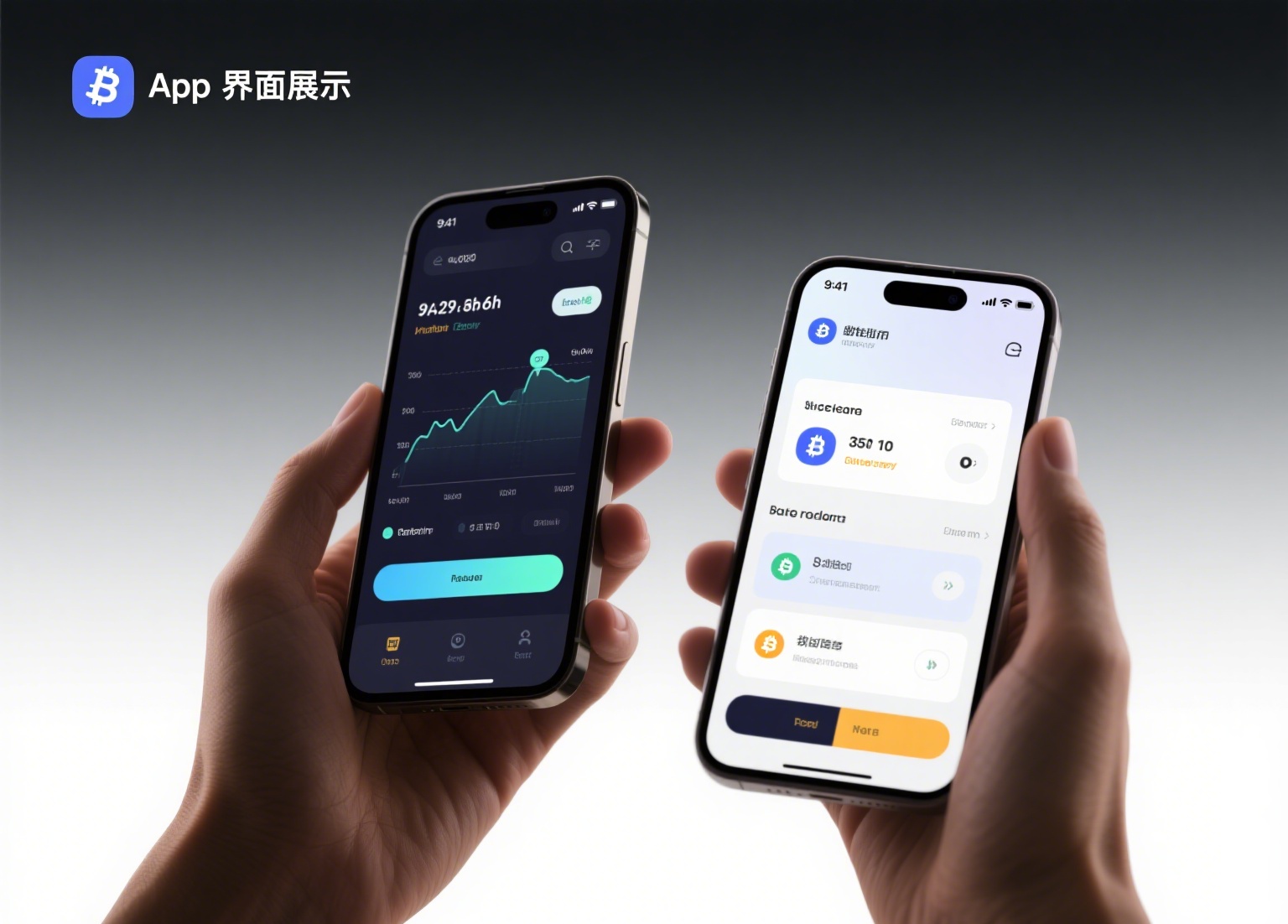
- Use the Binance mobile app for on-the-go trading and portfolio tracking.
- Explore Binance Earn to earn interest on your idle crypto through savings, staking, or liquidity farming.
- Be aware of trading fees. Binance uses a maker/taker fee model. Using BNB to pay fees gives you a 25% discount.
- Always double-check withdrawal addresses and network types (e.g., ERC20, BEP20) to avoid losing funds.
- Start with small amounts until you are comfortable with the platform.
Binance is a powerful tool for both beginners and experienced traders. By following these steps—account setup, security, funding, trading, and withdrawals—you can confidently navigate the exchange. Remember to stay updated on Binance’s policies, as features and fees may change. Always trade responsibly and never invest more than you can afford to lose.